Author name: allstonyaleit

Data Analytics Technology, Knowledge Base

Data Security and Compliance in Power BI and Fabric

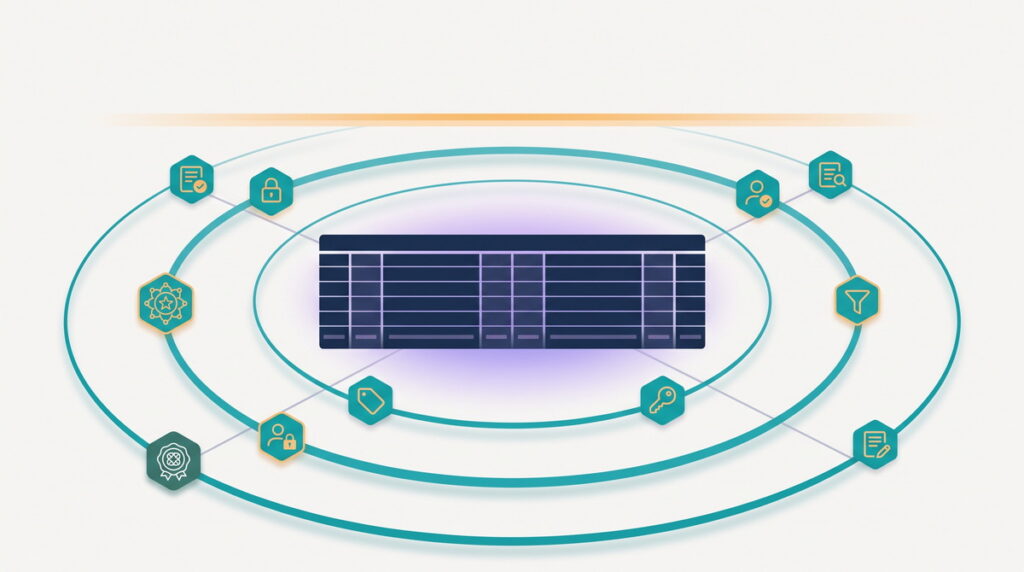
Power BI and Microsoft Fabric are secure, heavily certified platforms, but that fact alone doesn’t make your deployment secure or your organization compliant. Microsoft secures the platform; the way you configure it decides whether your data is protected in practice and whether you’d pass an audit. For a CIO, that distinction is the whole game, because the configuration is your responsibility. This guide explains what Microsoft handles, what you’re accountable for, and how a lean team can cover it.

Data Analytics Technology, Knowledge Base

Moving From Power BI Premium (P-SKU) to Fabric (F-SKU) 

Microsoft is retiring Power BI Premium per-capacity licensing, the P-SKUs, and moving every customer onto Microsoft Fabric capacities, the F-SKUs. If your organization runs on a P1, P2, or P3, you will need to move, but the good news is that this is far less disruptive than it sounds: your reports and data stay put, most of your capabilities carry over, and you gain flexibility the old model never had. This guide explains what’s changing, what stays the same, and how to move without a scramble.

Data Analytics Technology, Knowledge Base

Power BI Pro vs Premium vs Fabric

Power BI licensing confuses almost everyone, and for good reason: the tiers overlap, the names have changed, and the pricing pages leave out the numbers that decide the choice. The good news is that the right license comes down to three simple things: who creates reports, who views them, and how many of each there are. This guide explains the tiers, what each costs, and how to pick the one that fits without overpaying.

Data Analytics Technology, Knowledge Base

Lakehouse vs Warehouse in Microsoft Fabric 

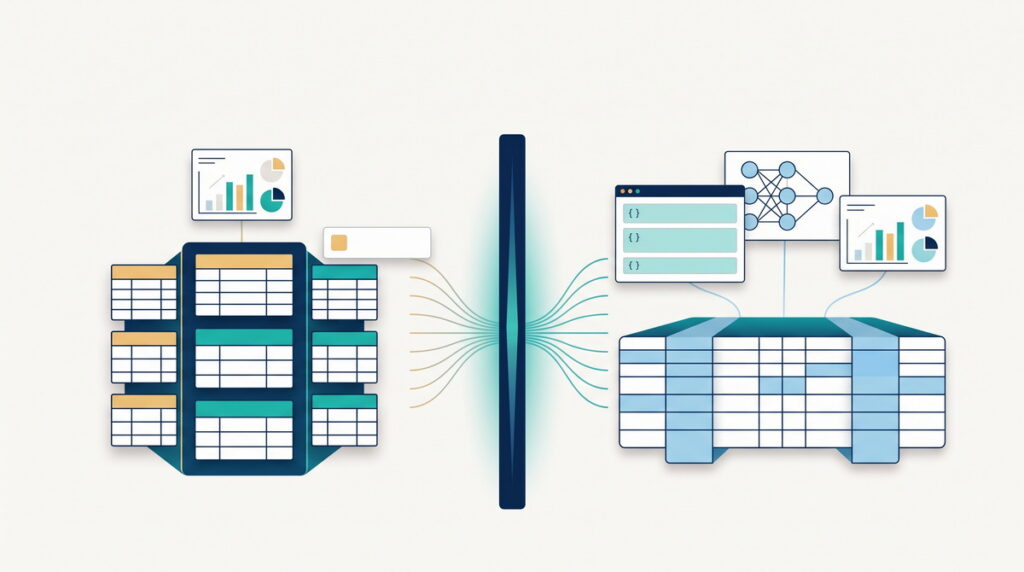
Microsoft Fabric gives you two ways to store and query structured data: a lakehouse and a warehouse. They look similar from a distance, both hold tables, both answer SQL, both feed Power BI, and that resemblance is exactly what makes the choice confusing. The good news is that the decision comes down to a few clear questions about your data and your team. This guide explains what each one is, how they differ, and how to pick the one that fits.

Data Analytics Technology, Knowledge Base

Why BI Projects Fail

Most business intelligence projects don’t deliver what they promised. Dashboards get built, launched, and then slowly abandoned, and the decisions they were meant to improve keep getting made on gut feel. The reasons are remarkably consistent, and remarkably rarely about the technology. This guide explains why BI projects fail, and how a lean team can sidestep the traps that sink much bigger ones.

Data Analytics Technology, Knowledge Base

Row-Level Security in Power BI

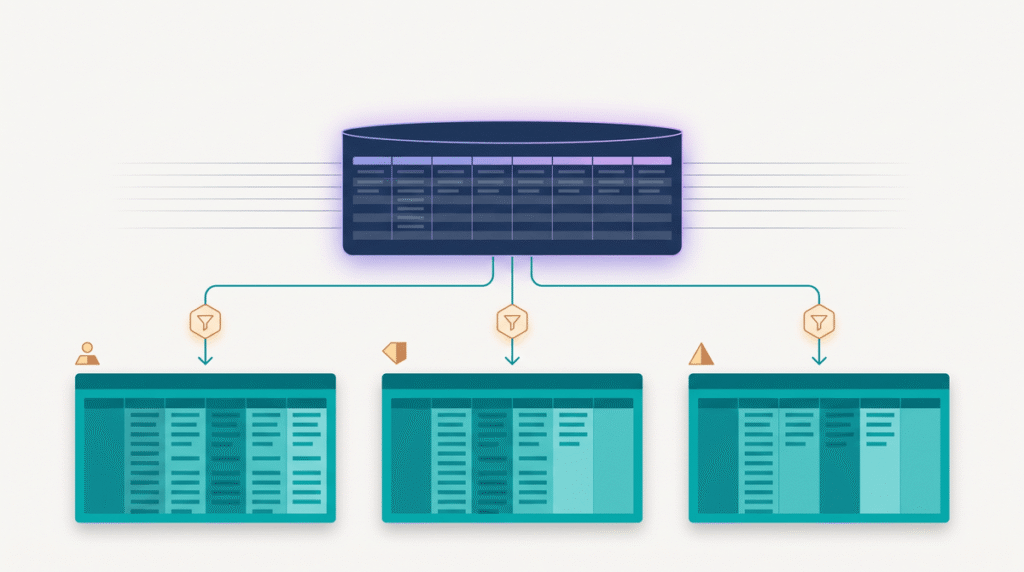
Row-level security, or RLS, is how you make one Power BI report show each person only the rows they’re allowed to see: a regional manager sees their region, a client sees their own account, and nobody sees the whole table unless they should. It’s one of the most useful features in Power BI and one of the easiest to get subtly wrong, in ways that either leak data or block the people who need it. This guide explains what RLS is, how it works, the two ways to build it, the mistakes that bite, and how to get it right the first time.

Data Analytics Technology, Knowledge Base

Power BI Deployment Pipelines

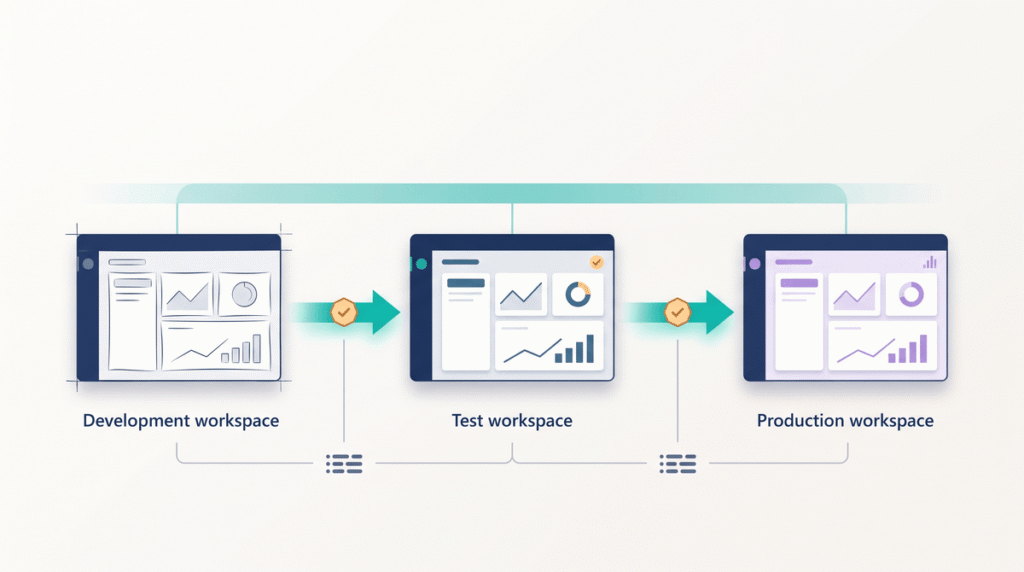
Power BI deployment pipelines are a built-in way to move reports and models through separate development, test, and production environments, so you can ship changes without editing the live report your whole business depends on. If your team builds reports straight in production and holds its breath on every change, deployment pipelines are the fix. This guide explains what they are, how they work, and how to ship reports without breaking production.

Data Analytics Technology, Knowledge Base

What Is OneLake?

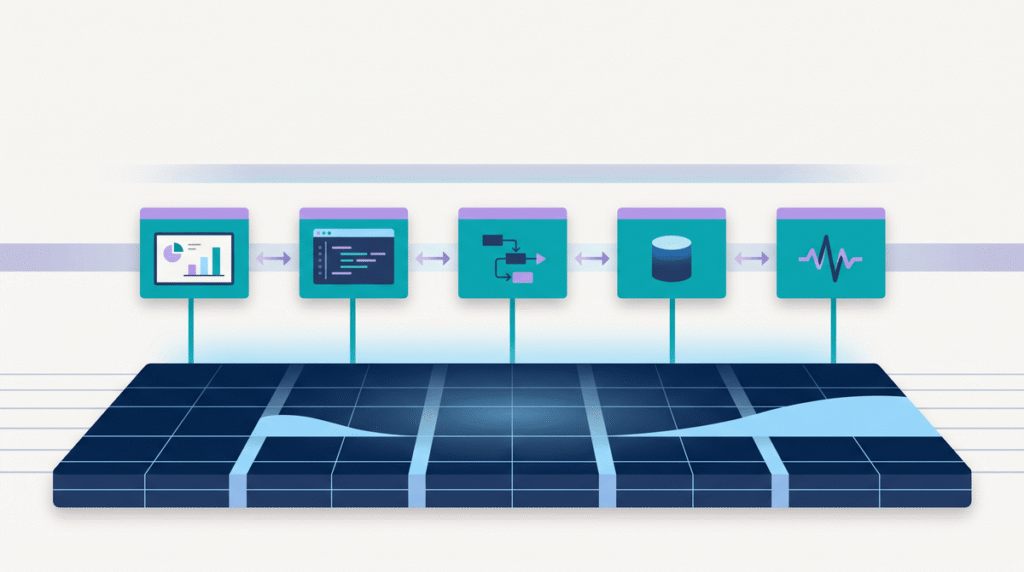
OneLake is Microsoft Fabric’s built-in data lake: a single, organization-wide place where all your data lives, automatically, without your team standing up storage or wiring engines together. If your data is scattered across databases, warehouses, and spreadsheets that never quite agree, OneLake is Fabric’s answer, one lake for the whole business. This guide explains what OneLake is, how it works, and why one lake changes how a company handles data.

Data Analytics Technology, Knowledge Base

Star Schema vs Flat Tables 

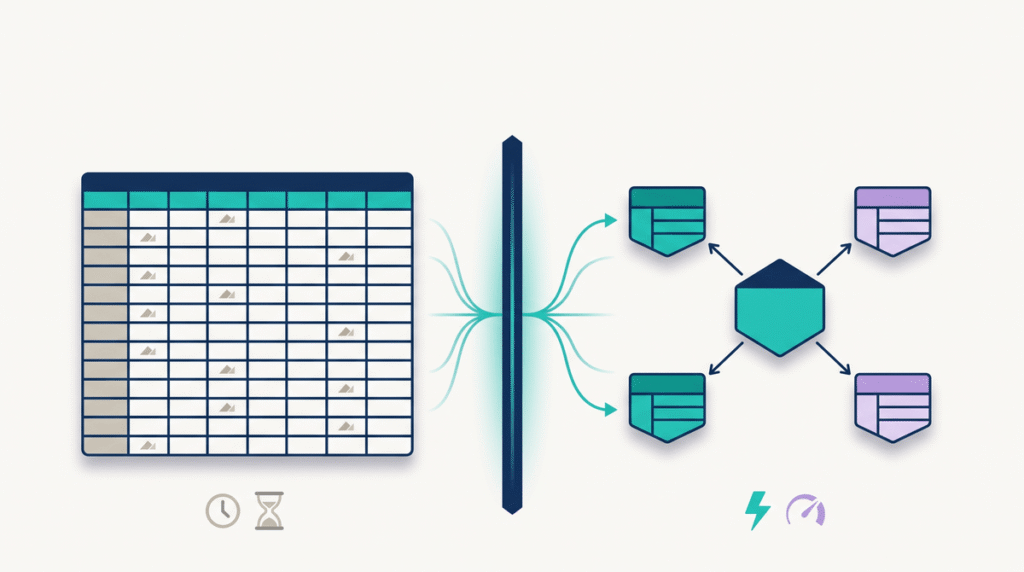
If your Power BI reports are slow, the file is enormous, and your DAX keeps getting more tangled, the shape of your data model is usually to blame. Most slow Power BI models are built as one big flat table when they should be built as a star schema. This guide explains what a star schema is, why flat tables slow Power BI down, and how to fix a model that’s already struggling.

Data Analytics Technology, Knowledge Base

Direct Lake Explained 

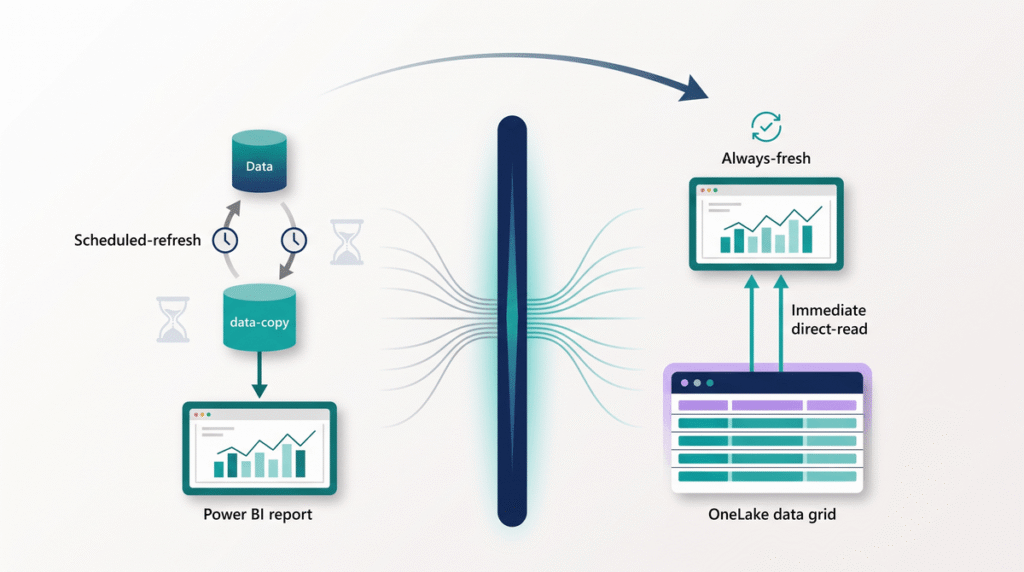
Direct Lake is a Microsoft Fabric feature that lets Power BI read your data straight from storage and return answers at full speed, without the scheduled refresh that Import mode depends on. If your reports are slow to refresh, always a little stale, or prone to breaking overnight, Direct Lake removes that whole class of problem. This guide explains what Direct Lake is, how it works, where it fits, and how to get it right.

Scroll to Top